
Automate across monday.com boards
Define one rule and apply it to every selected board. Familiar when / only if / then recipes.
How it works
Automate across boards in three simple steps
Set up a monday-style automation once and run it on every board you select — no code, no per-board rebuild.
Connect and automate workflows seamlessly
Watch the walkthrough or follow three quick steps to keep all your monday.com boards in sync.
The problem
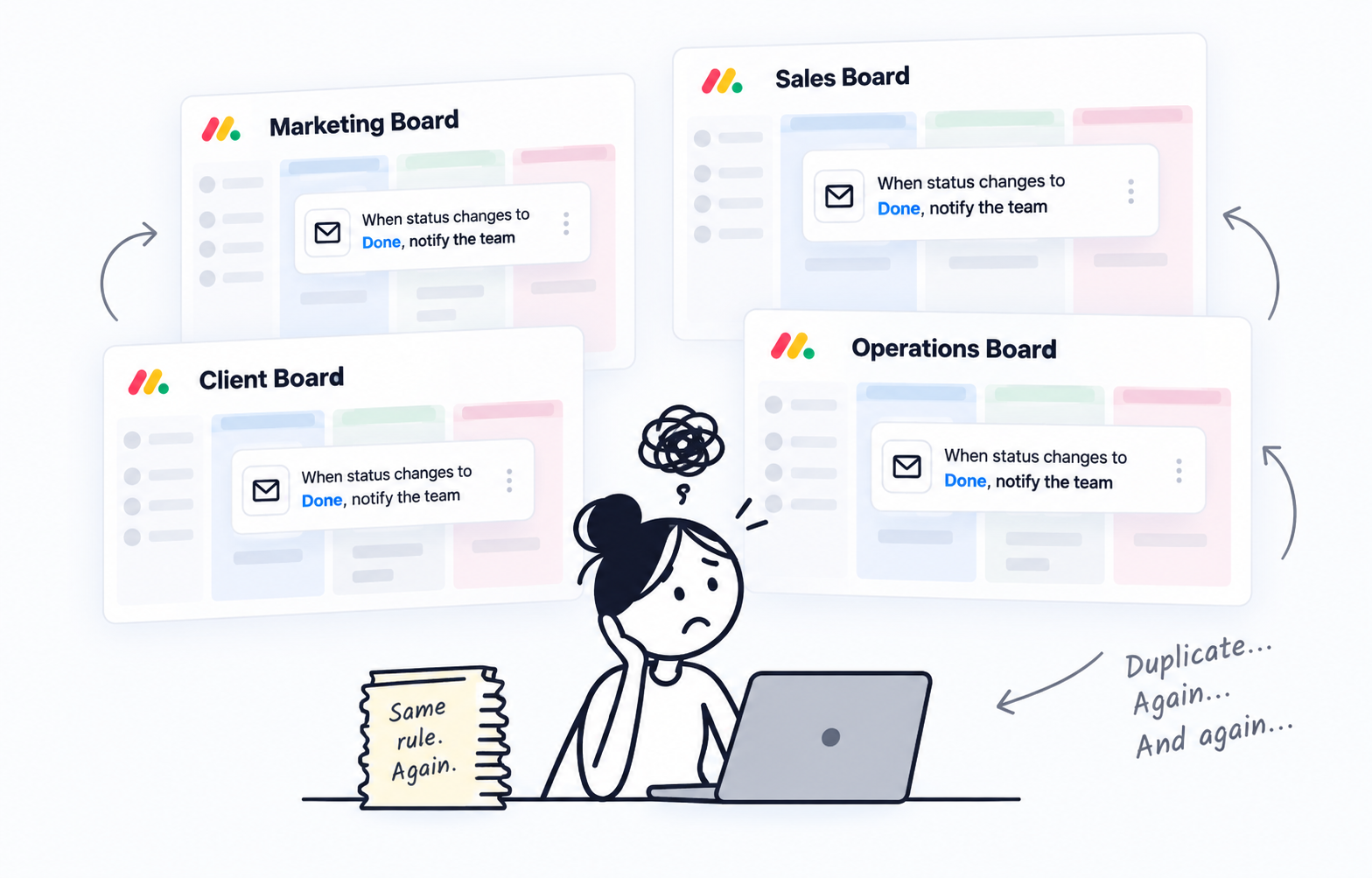
The same process lives on many boards. Native automations do not.
Rebuild the rule on every board
Teams clone similar boards for clients, squads, or regions. monday.com automations are per-board and count toward your action quota, so the same recipe gets rebuilt — and billed — over and over.
- Duplicate the same native automation on every similar board
- Action quota consumed by repetitive rules
- A missing or renamed column on one board silently breaks the copy
The solution
One rule. Every selected board.
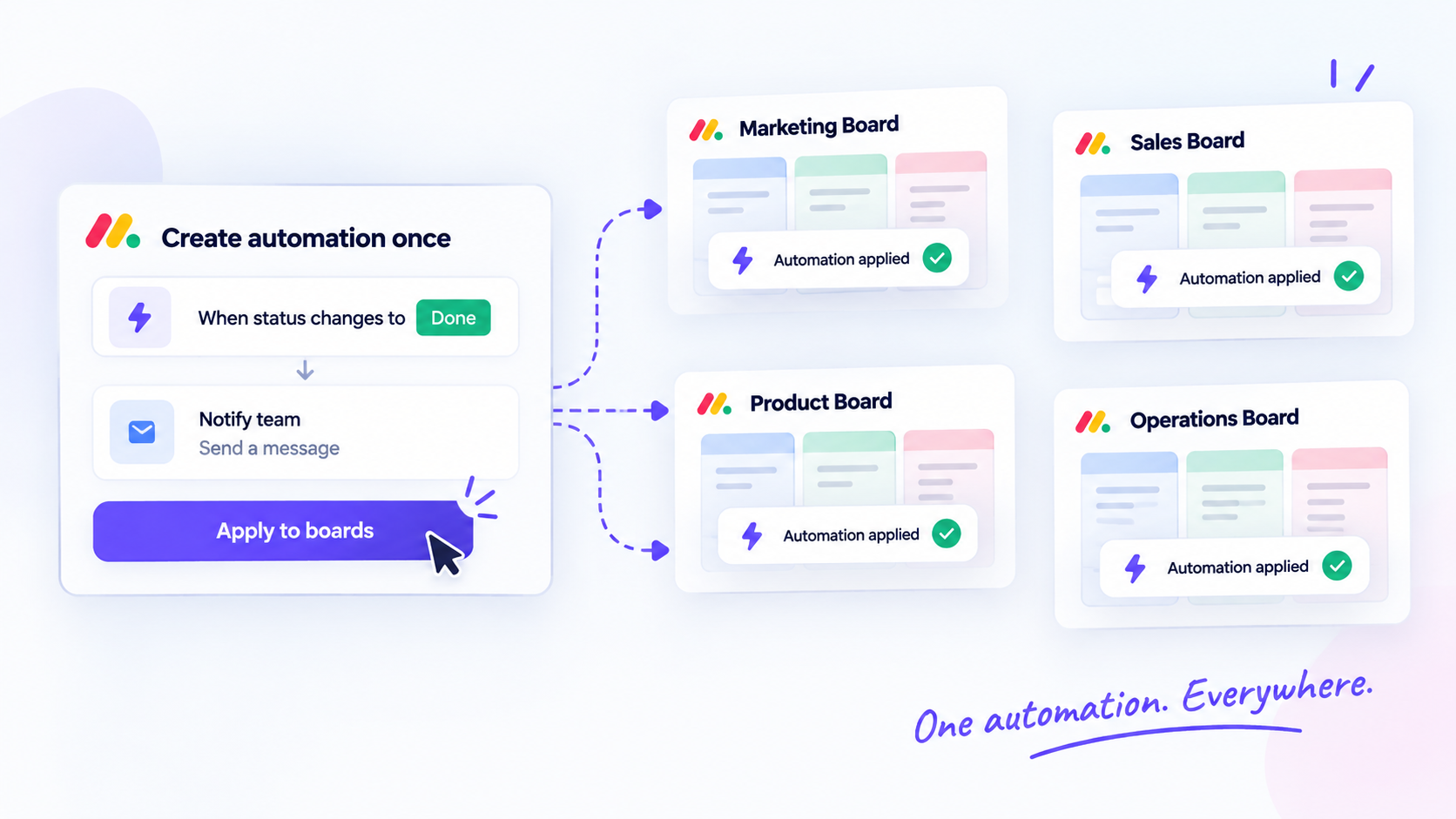
Write it once
Use familiar monday-style triggers, conditions, and actions. Select every board that should follow the same process.
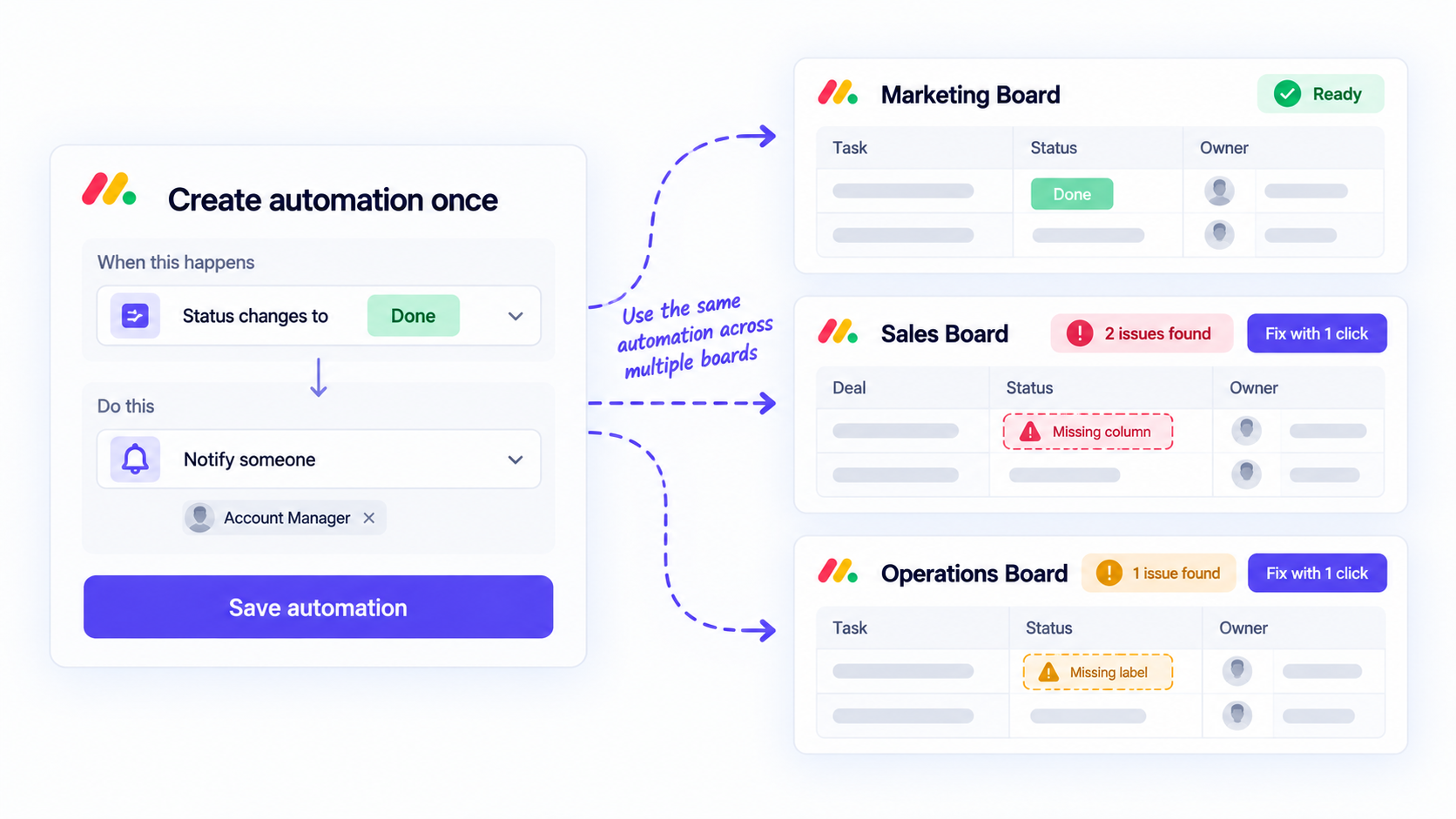
Columns map themselves
Each board resolves columns by type and title. Launch checks readiness for missing columns or labels before you turn the rule on.
Capabilities
Built for cross-board teams
Sentence builder
Compose when / only if / then recipes inside monday.com.
One rule, many boards
Select every board that should share the process. The rule fires independently on each.
Automatic column matching
Match columns by title and type so boards do not need identical IDs. Launch flags missing columns or labels.
Event triggers
Item created, status or column change, subitem variants, and when a date arrives.
Actions that stay on the item
Change a column, comment an update, notify someone, move the item, create subitems, or categorize with AI.
Run history and controls
Inspect each run, manage webhooks, and pause every rule in the account. Loop and circuit-breaker guards stop runaway updates.
Free
100 runs / month
billed annually
billed monthly
- Unlimited boards
- Unlimited automation rules
- Unlimited rule categories
- Rules can include boards from multiple workspaces
- 100 automation runs/month
Pro
1,000 runs / month
billed annually
billed monthly
- 30-day automation history
- 1,000 automation runs/month
- Automation rules can only include boards from a single workspace
Business
5,000 runs / month
billed annually
billed monthly
- Cross-workspace automation execution
- 5,000 automation runs/month
Scale
10,000 runs / month
billed annually
billed monthly
- 10,000 automation runs/month
Enterprise
25,000 runs / month
billed annually
billed monthly
- 25,000 automation runs/month
Unlimited
Unlimited runs
billed annually
billed monthly
- Unlimited automation runs
Frequently asked questions
Get early access to Multi Board Automations
Sign up for early access to receive a direct install link and help shape cross-board automations.
Free early preview